What I'd Actually Build for a Solo Family Law Firm
By Ben McEachen
I'm not a lawyer. I'm an operator. A family law attorney told me she hates AI in law because she can always tell. She's right about what she's seeing. Here's what she's not seeing yet.

I published an article recently about how AI is compressing the production costs in legal. The economics, the State Bar framework, the billions pouring into legal tech. A family law attorney I respect read it and told me: “I actually really hate the use of AI in law. I can always tell.”
She’s been practicing for 20 years. She’s right.
What she’s seeing, what most experienced attorneys are seeing, is the output of people pasting case facts into ChatGPT and dropping whatever comes back into a motion. It reads like AI because it is. No voice. No strategy. No feel for the judge, or opposing counsel, or the specific emotional texture of that family’s situation. A seasoned attorney can spot it in the first paragraph.
But the poor quality is a problem with how people are using AI, not with what AI can do.
The system I’d build for a family law practice wouldn’t write motions. It wouldn’t draft custody declarations. It wouldn’t produce a single word that goes to opposing counsel or the court. Those documents need the attorney’s DNA in them. The argument, the phrasing, the strategic choices about what to emphasize and what to leave out. That’s the craft. That’s the 20 years.
I’m going to describe this through the lens of a solo practitioner, because that’s where the pressure is sharpest. But everything here scales. A three-attorney firm with shared admin? Same principles, different configuration. A ten-attorney practice with paralegals and a billing coordinator? The system gets more capable, not more complicated.
What this system would do is handle everything else.
The Line That Matters
Here’s a distinction I don’t see enough people making: there’s a difference between “AI-written” and “AI-supported.”
Court-facing documents need to carry the attorney’s voice and judgment. That’s not a nice-to-have. It’s functional. Opposing counsel reads for tells, for patterns, for the specific way this attorney builds arguments. A motion that doesn’t sound like the person who filed it doesn’t land the same way. An attorney sending AI-generated filings isn’t just producing weaker work. They’re watering down the thing that makes them effective.
Keeping AI away from court filings isn’t a technology limitation. The boundary is a design choice. The most effective use of AI in a solo practice is keeping it far away from the documents that define the attorney’s professional reputation.
Where AI belongs: the work that feeds the work. Research synthesis. Financial document analysis. Discovery response review. Deadline management. Intake workflows. Client communication follow-ups. The infrastructure layer that eats 60% of a solo practitioner’s time but never appears on a filing.
The system I’d build doesn’t write motions. It gives the attorney three extra hours a day to write better ones.
The result: the attorney spends more time on the documents that matter, not less. Three hours freed from document review is three hours available for writing a stronger motion, in the attorney’s own voice, informed by analysis that would have consumed half the day.
What It Actually Does
Let me get specific. Here are five things this system would handle, each grounded in work a family law attorney does every week.
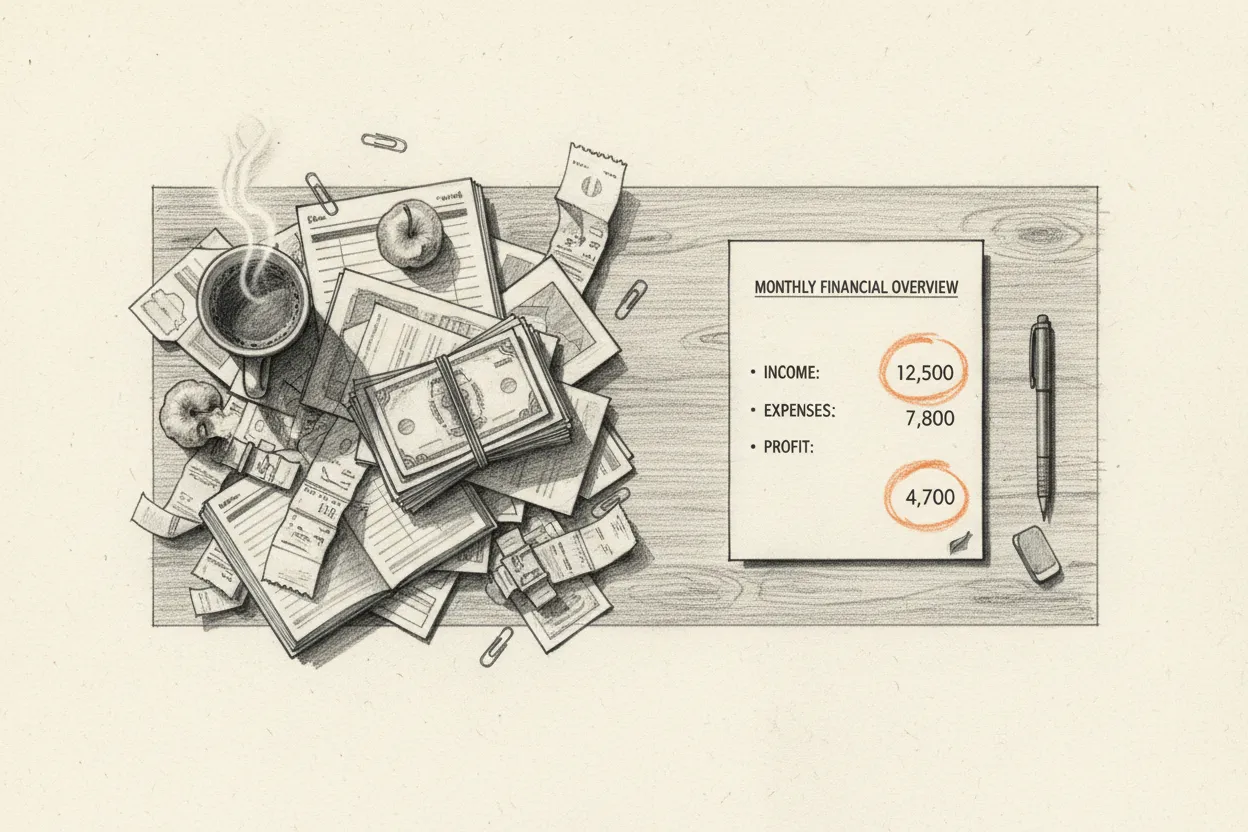
Financial disclosure analysis. Family law cases generate mountains of financial documents: tax returns, pay stubs, bank statements, business records, FL-150 Income and Expense Declarations. The attorney or paralegal uploads the documents. The AI produces a structured analysis: income from all sources, expense patterns, discrepancies between declared income and bank deposits, inconsistencies between current and prior filings. The attorney reviews the analysis, identifies what to challenge, and writes the argument. The AI found the needle in 200 pages. The attorney decides what to do with it. What used to take three to four hours of side-by-side spreadsheet comparison takes 30 minutes of targeted review.
Discovery response review. Opposing counsel sends discovery responses. Reviewing them for completeness, evasiveness, and inconsistencies is tedious, high-stakes work. The attorney pastes in the responses. The system produces a checklist: what was asked, what was answered, what was answered non-responsively, and what was omitted entirely. It flags language patterns that suggest evasive responses. The attorney uses that analysis to draft a targeted meet-and-confer letter or a motion to compel, in their own words, hitting exactly the gaps that matter. Review time drops from two to three hours to about 30 minutes.
Case research acceleration. The attorney needs case law to support an argument. A custody factor, a property characterization issue, a procedural question. The AI pulls relevant California Family Code sections, recent case law, and secondary sources, organized by relevance with citations the attorney can verify. The research phase that used to consume an afternoon compresses to 30 minutes of directed reading. One important note: AI-generated legal citations must be verified. This is non-negotiable. In 2025, 660 court filings were flagged for fabricated AI citations. The system includes a verification reminder at every research output, and training covers why this step can never be skipped.
Deadline and calendar intelligence. Every active case has filing deadlines, hearing dates, discovery cutoffs, mediation dates, and status conferences. A solo practitioner juggling all of them at once has real malpractice exposure when one slips through. The system pulls upcoming deadlines from the firm’s practice management software, generates a weekly priorities brief that includes not just what’s due but what prep work needs to start, and flags cases where deadlines are clustered and workload is about to spike. The attorney reviews the brief Monday morning and starts the week knowing what’s coming instead of discovering it Thursday afternoon.
Client communication workflows. The most common client complaint in family law: “My attorney never calls me back.” Often it’s not neglect. It’s that the solo practitioner is buried and routine updates fall off the list. When a case hits a milestone (response filed, hearing scheduled, order entered), the system drafts a client update email for attorney review. Not sent automatically. Queued for the attorney to review, personalize, and send. Thirty seconds of review instead of ten minutes writing from scratch. Clients hear from their attorney more often. The relationship gets stronger without adding hours.
None of these five capabilities produce documents that go to court or opposing counsel. Every one of them makes the attorney better at producing those documents themselves.
Confidentiality
This is the first question any attorney should ask. How does client data stay protected?
Two layers of protection. Either one alone would be significant. Together, they satisfy the California State Bar’s confidentiality guidance and give the attorney a defensible position if anyone ever asks.
Layer one: non-training AI models. The AI service contractually commits to never training on your data. Your case files don’t become part of the model’s knowledge. They aren’t used to improve the system. They aren’t accessible to other users. This is the baseline, and it’s non-negotiable. Several enterprise-grade AI services offer this today. It’s the minimum bar for professional use.
Layer two: anonymization before transmission. On top of that, client-identifying details are stripped before documents reach the AI. A local process replaces names, case numbers, and identifying information with consistent pseudonyms. The mapping table stays encrypted on the attorney’s machine. The AI only ever sees “Party A” and “Party B.”
Audit trail. Every AI interaction is logged with a timestamp, input hash, and output, creating a record with seven-year retention to match California’s statute of limitations. The attorney can prove exactly what the AI saw and produced.
The non-training commitment protects against systemic risk. The anonymization protects against incidental exposure. The audit trail proves both. Your client data never reaches the AI in identifiable form, and even the non-identifiable data is never used to train the model. The attorney holds the key to both layers.
What I’m Not Building
Not a document drafter for court filings. This is the line. It doesn’t move. Motions, declarations, briefs, and settlement proposals come from the attorney. The system feeds the attorney better inputs. It does not produce outputs that go to court or opposing counsel.
Not a replacement for the paralegal. This is a tool for the paralegal too. The freed hours go to higher-value client work, not a layoff.
Not an autonomous agent. Every AI output gets reviewed by a human before it informs anything. The California State Bar is clear on Rule 5.3: supervision is non-negotiable. The system is designed around that constraint, not against it.
Not a billing system overhaul. That’s the attorney’s decision. (I wrote about the business model implications in my last article.) This system works whether the attorney bills hourly or flat-fee.
Not locked to any single tool. The system is built from general-purpose components and documents its own architecture. When a better AI model comes out (and it will), you swap that layer without rebuilding the rest. When a new automation tool undercuts the current one, you switch. The playbook the attorney gets at the end includes what each piece does and why, so any competent technologist could maintain or upgrade it. The system leaves a trail of its own construction.
Before you build anything, make sure your firm is ready.
Most practices have compliance gaps they don't know about. I put together a short guide covering the seven things every firm needs in place before anyone touches an AI tool with client data.
How the Build Works
Every firm is different. A solo practitioner handling mostly custody cases needs a completely different build than a five-attorney firm doing high-asset divorces. The financial analysis tool for a case involving a family business looks nothing like one for two W-2 earners splitting a house. So the build starts with questions, not assumptions.
What does the firm’s tech stack look like? Clio? MyCase? Paper files and Outlook? How many active cases at any given time? Where is time actually disappearing? (The answer is almost never what people think it is.) What’s the team’s experience with AI?
The first thing we do is an audit. Before anything gets built, we look at every tool the firm is already using and check whether any of them are running LLM models with training enabled. If client data or firm data is touching a model that learns from its inputs, that’s a liability. We shut that down immediately. Then we put together clear processes, policies, and procedures so that no client data ever touches a training-enabled model going forward. This isn’t a checkbox. It’s the foundation everything else sits on.
Then we run two tracks in parallel. While I’m building the system, the firm is getting comfortable with the tools. If the team’s AI experience starts and ends with ChatGPT, there’s a real gap between “type a question, get an answer” and “manage a workflow with AI as a collaborator.” That gap doesn’t close on deployment day. It closes before deployment day. For someone in that position, tools like Claude Cowork offer a different interaction model: structured tasks, document review, research synthesis. Getting familiar with that style of working before the custom system arrives means the team already has intuition for how to prompt, steer, and verify by the time the real tools land.
This also gives me a feedback loop. Watching how the team interacts with AI during onboarding tells me what to simplify, what to automate further, and where the friction points are. The system I deliver reflects what I observed, not what I assumed.
The end state is self-sufficiency. The firm gets a working system, a written playbook documenting how everything works, and enough hands-on training to run it without me. This isn’t a subscription. It’s not software as a service. It’s not a lifetime consulting arrangement. We build it together, and then it’s yours.

Why This Article Exists
I wrote this because it’s what I do as a fractional COO. I look at how a business operates, find the leverage points, and build the systems.
That attorney who told me she hates AI in law? She’s not wrong about what she’s seeing. What she’s seeing deserves to be hated. But there’s a version of this that respects the craft, protects the client, and gives a solo practitioner three extra hours a day to do the work only they can do.
If you haven’t already, grab the free compliance guide. And if you want to talk about what a build would look like for your practice, get in touch.
This is Earned in the Fire: hard-won lessons on operations, AI, and building what works. If this was useful, subscribe for future essays on what happens when technology reshapes how businesses run.